Convert HEIC to JPG Instantly — Open iPhone Photos Anywhere Without Losing Quality

Can't open HEIC images on Windows, Android, websites, or social media? Convert your HEIC files into universally compatible JPGs in seconds. No software installation, no quality loss, and batch conversion for up to 200 photos at once.

Secure Processing No Registration Required Batch Conversion Quality Preservation Works on Windows, Android, Mac & Web
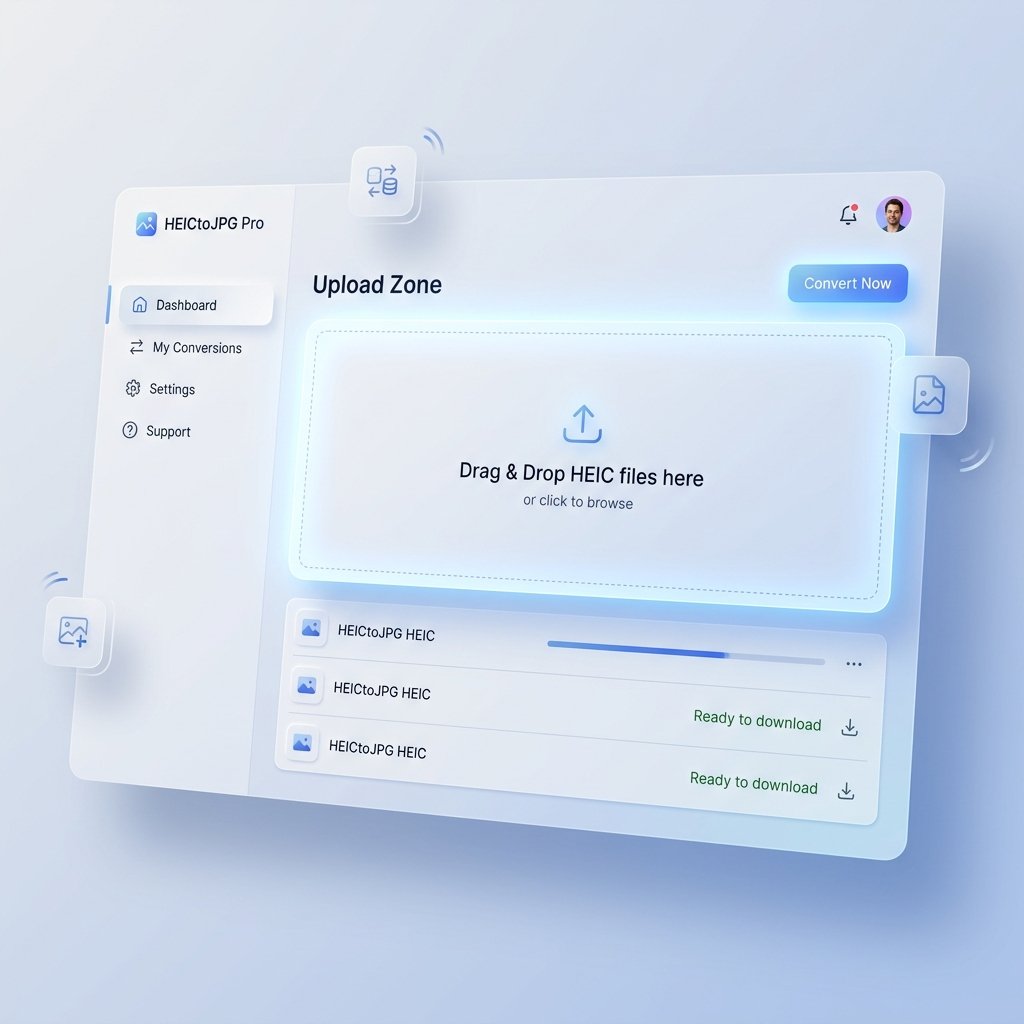
HEICtoJPG Pro Application Interface

HEIC is Apple's default photo format, but many devices, websites, and apps still struggle to open it properly. Instead of dealing with compatibility issues, convert your HEIC files to high-quality JPG images that work everywhere. Upload your files, convert them in seconds, and download ready-to-use photos for social media, websites, email, printing, and everyday sharing.

📁

Drag & Drop HEIC files here

or click to browse

Max 200 files per batch

Why People Convert HEIC to JPG

📱

Open Photos Anywhere

JPG files work across virtually every device, browser, and application.

✉️

Share Without Errors

Avoid "Unsupported File Format" messages when sending photos to friends, clients, or colleagues.

🌐

Upload to Websites Easily

Many websites and older applications still prefer JPG over HEIC.

Keep Excellent Quality

Our conversion process preserves image clarity while making files universally compatible.

How It Works

1

Upload your HEIC files.

Simply drag and drop or select files from your device.

2

Our converter processes them.

Our tool instantly optimizes and converts your images in your browser.

3

Download high-quality JPGs.

Get your photos ready for use anywhere immediately.

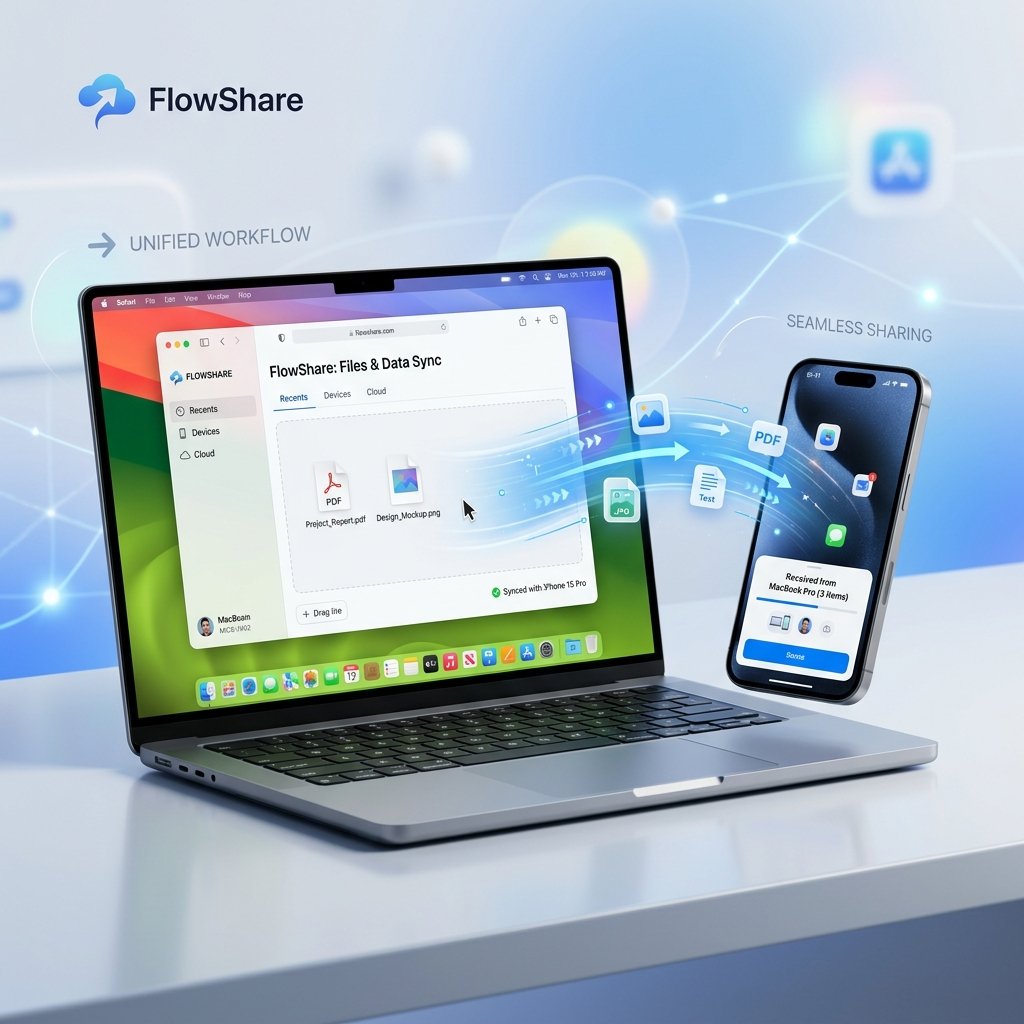
Seamless Sharing Across Platforms
Batch Conversion Feature

Features

  • Batch Conversion: Convert up to 200 HEIC photos simultaneously.
  • Privacy First: Uploaded files are automatically removed after processing (everything happens in your browser).
  • Fast Processing: Most conversions finish in just a few seconds.
  • No Installation Required: Everything works directly in your browser.
  • Mobile Friendly: Convert photos from iPhone, Android, tablet, or desktop.

Frequently Asked Questions

What is a HEIC file?

HEIC is a modern image format developed to store high-quality photos with smaller file sizes, commonly used by iPhones.

Why convert HEIC to JPG?

JPG offers nearly universal compatibility across operating systems, websites, apps, and social platforms.

Will my photos lose quality?

Our converter is optimized to maintain excellent image quality while creating highly compatible JPG files.

Is this converter free?

Yes. You can convert multiple photos without creating an account.